01 · The encounter
Your loved one approaches inside an abandoned farmhouse.
 Hotel Lobby AI
Even at the end of the world, you choose each other. Turn two photos into a zombie love story that ends in a sunlit embrace.
Create your zombie video ↓Your Hotel Lobby account. Your existing credits.
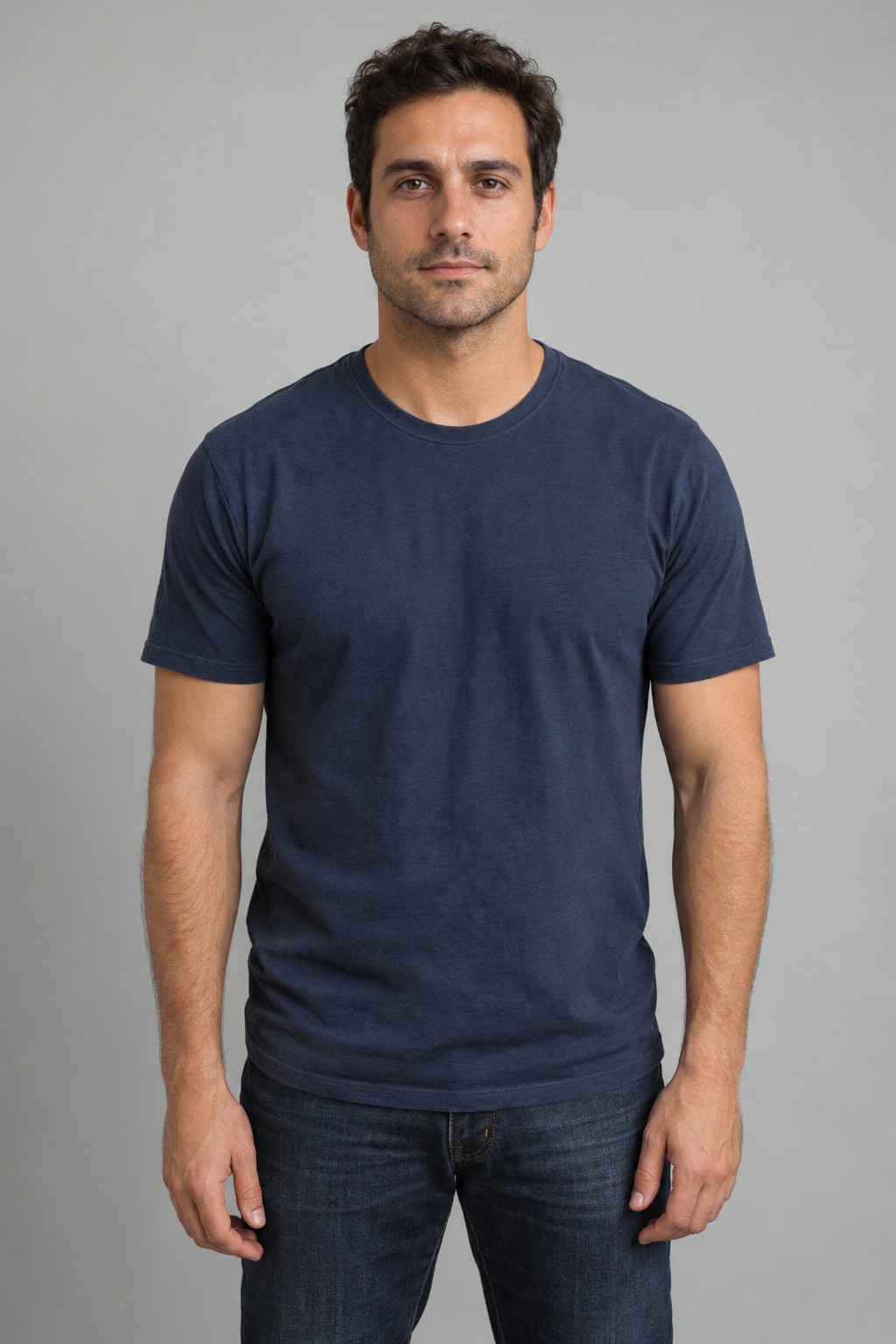
 The two input portraits
The first person stays human. The second becomes the zombie.
One adult per photo. Clear face and upper body. JPG, PNG or WebP, up to 10 MB.
A farmhouse standoff becomes a sunlit embrace. The story is prepared for you.
Includes AI-generated sound. Faces, actions and scene timing can vary. Review the full result before sharing.
Buying credits never starts a task. Confirmed failures release reserved credits. Download completed videos within 7 days.
Your loved one approaches inside an abandoned farmhouse.
The survivor lowers the gun and opens their arms.
The infected loved one moves toward the embrace.
The scene changes to sunlight, with both people healthy again.
Your video follows these story beats. The result can add or change details, including the zombie appearance.
No editing app, reference clip or prompt writing needed. Your uploaded photos and generated video stay private to your account.
View Hotel Lobby credit packs ↗One person faces a loved one who has become a zombie, lowers their weapon and opens their arms. A leap toward them cuts to a healthy embrace in a sunny memory. This generator creates that short story using your two photos.
Use two separate, clear photos of consenting adults. The first is the survivor; the second is the person who turns. A front-facing, well-lit face and visible upper body work best. Use Swap roles if you want to reverse them.
We create a new video from your photos and a prepared story prompt. The sample shows one actual result. Camera angles, expressions, movement and timing can differ in your video.
No. Upload normal, healthy portraits. The app supplies the story instructions and we create the zombie appearance and the memory.
Yes. This scene includes AI-generated sound. It does not use the Hotel Lobby template soundtrack or a licensed TikTok song.
This version is for two adults, with a farmhouse scene and a sunny outdoor ending. Pet stories and other settings are not available in this scene.
Choosing photos is free. Generation uses your Hotel Lobby credits after you review and confirm the quote. The same account, wallet and one-time credit packs work across our scenes.
Follow the task in My videos, then download the MP4 within 7 days. Confirmed generation failures release reserved credits. A completed result can differ from the sample, so watch it before sharing.
Your credits also work with the Hotel Lobby duet and Bulin47 freestyle.
Hotel Lobby AI →